We’ve all experienced that moment when we try to log in to BlaBlaCar before a trip, and neither the password nor the email address works. The most immediate reflex is to use the phone number associated with the account. This link between the number and the BlaBlaCar profile is often underestimated, even though it is the quickest recovery route on the app.
Changed phone number and lost email: the blocking situation on BlaBlaCar
The most problematic scenario is not forgetting the password. It can be reset in a few minutes. The real blockage occurs when you have changed your phone number since creating the account and no longer have access to the associated email address.
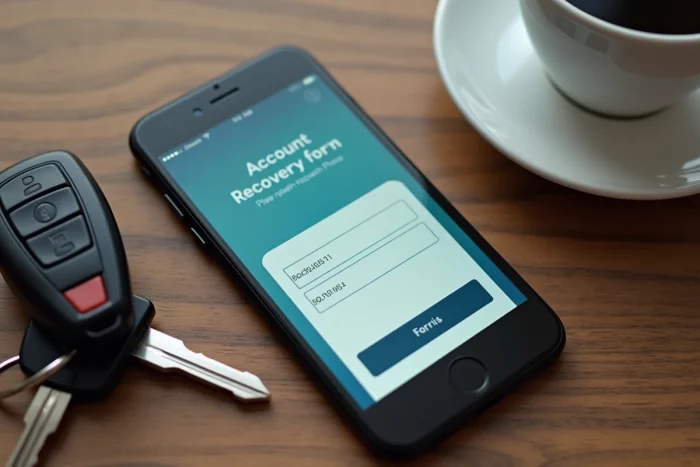
In this case, BlaBlaCar does not offer an automated recovery form. The reset page asks for the account email, and the verification code via SMS goes to the old number. If both channels are cut off, the self-service interface is no longer sufficient.
The only documented option is to contact BlaBlaCar support directly. You can do this via the online chat accessible from the help center or by email. You will need to provide elements to prove that the account belongs to you: first name, last name, old number, details of past trips, and possibly an ID. Responses vary regarding processing times, but the procedure exists and works in most cases.
For those looking to retrieve their BlaBlaCar account using the phone number, the process is much simpler when the number is still active, as detailed just below.
BlaBlaCar login via phone number: the method on the app and the website
When the registered number is still yours, recovery takes less than two minutes. BlaBlaCar uses this number as an alternative identifier to the email.
On the mobile app
Open the BlaBlaCar app (available on iOS and Android). On the login screen, select the phone login option. Enter your number with the country code. A verification code via SMS arrives in the following seconds: enter it, and you will access the account without needing the password.
On the website
From the login page on blablacar.fr, the process is identical. Enter the phone number, receive an SMS with a one-time code, and regain access to your personal space. If the SMS does not arrive, first check that the entered number matches the one on the account and that the phone is properly receiving the network.
This system relies on the fact that each phone number is linked to a single BlaBlaCar account. This is also why it is impossible to associate the same number with two different profiles.
BlaBlaCar account inaccessible: checks to make before contacting support
Before writing to customer service, a few quick checks often help to unblock the situation without waiting for a response.
- Test all email addresses you may have used during registration. We often forget that an old Gmail or Outlook account was used to create the BlaBlaCar profile.
- Check if you registered via Facebook, Google, or Apple. In this case, the “Log in with…” button on the login page will reconnect you directly, without a password or number.
- Look in your old emails to see if you have kept a confirmation of registration or a BlaBlaCar trip reservation. The receiving address is that of the account.
- If your old number has been reassigned by the operator to another subscriber, report it to support so they can dissociate that number from your profile.
These steps may seem basic, but they resolve the majority of blocked carpooling accounts without going through a lengthy procedure.
Securing your BlaBlaCar account to avoid losing access
Once the account is recovered, a few adjustments in the profile settings can prevent experiencing the same hassle again.
Update the phone number as soon as you change it. This is the first thing to do in the account settings, under “Personal Information”. BlaBlaCar will send a verification code to the new number to confirm the change.
Associate an email address that you check regularly, not a temporary or professional email that you might lose when changing employers. The email remains the primary channel for password reset.
Activating the identity verification offered by BlaBlaCar also enhances the trustworthiness of the profile among other passengers and drivers. This verification involves sending an ID and links the account to data that is difficult to falsify. In case of a dispute over account ownership, having a verified profile simplifies exchanges with support.
Also remember to note down the email address and the number associated with the account. A simple memo in a secure notes app is sufficient. Most blockages come from not remembering which email or number was used during registration, sometimes several years ago.
The BlaBlaCar system does not allow account recovery by simply providing your name or details of your past trips without going through human support. The phone number remains the most reliable connection method on a daily basis, provided it is kept up to date in your profile.